Excel workbooks
Use the first row as column headings, then choose the main winner field and any extra details to show on the winner card.
Name · Department · Employee ID
Pull the lever & watch the randomly selected winner emerge in a dramatic reveal.
One platform for the whole event flow
Every imported entry remains eligible. The chamber limits only the number of cards shown on screen, so even very large lists stay smooth and fair.
Use the first row as column headings, then choose the main winner field and any extra details to show on the winner card.
Name · Department · Employee IDUpload a standard comma-separated list and map exactly which columns should appear during the winner reveal and in history.
Registration · Team · LocationUpload a text file or paste names directly. One line becomes one eligible participant with a clean name-only winner card.
One participant per lineChoose digit length, start and end values, then exclude single numbers or complete ranges from one simple box.
0001–1000 · Exclude 7, 25–40Actual views from the audience display, shown before the draw and at the final reveal.
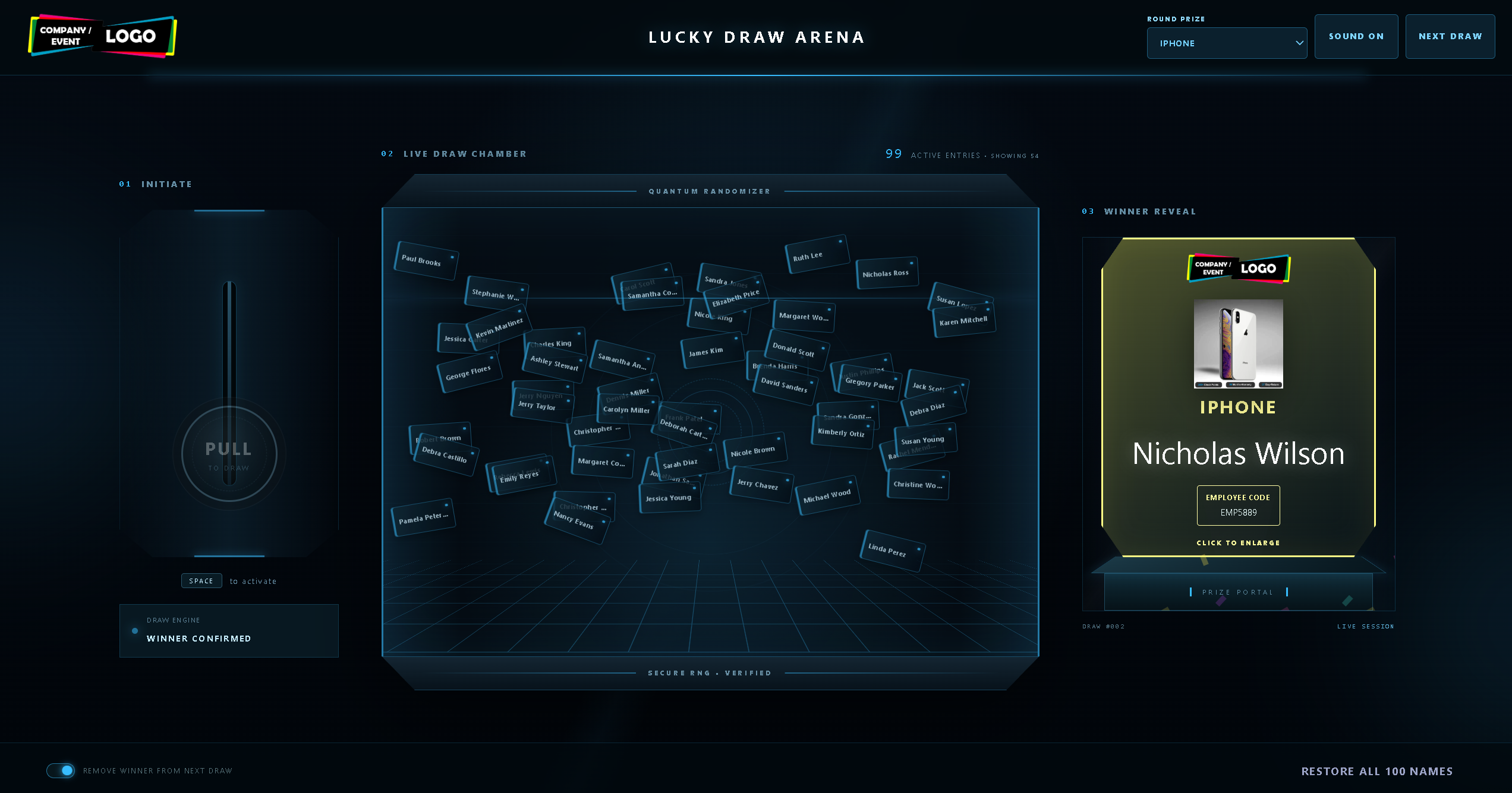
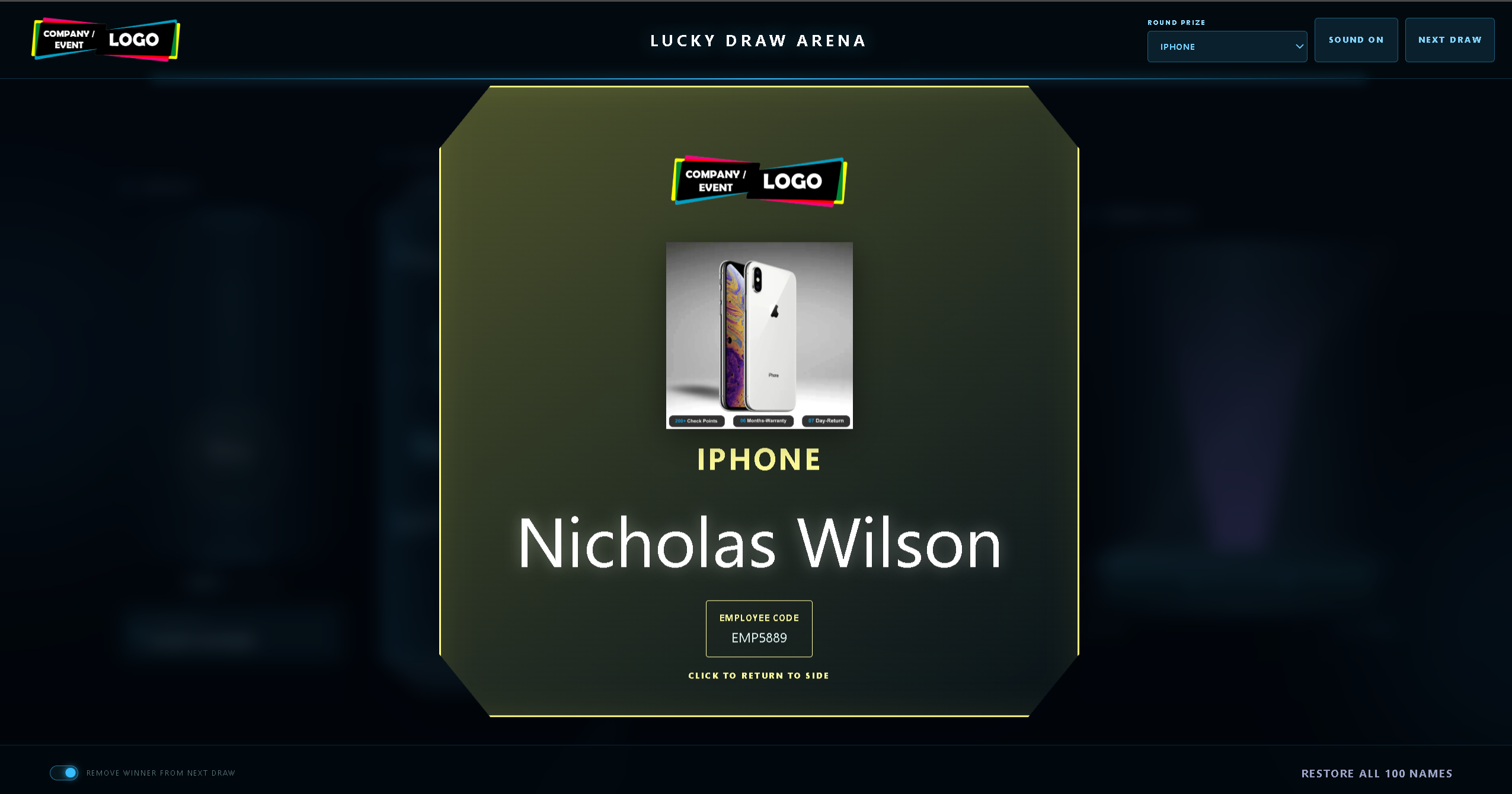
Cards shuffle dynamically, slow naturally, and continue floating before the selected card rises into a large, focused winner view.
A futuristic chamber mixes floating participant cards for five seconds before revealing one clear winner.
Import spreadsheets, paste names, or generate numbered entries with ranges and exclusions.
Choose the neon colour, display text, logos, prize imagery, winner details, and event sound level.
Create one secure Moderator link inside the event. It opens only that event and needs no separate login.
The audience view keeps controls minimal, animations smooth, and the winner readable from across the room.
Winner history, prize rounds, and optional winner removal keep repeated draws organised.
Prepare the event, load the participants, and let the audience enjoy the moment.